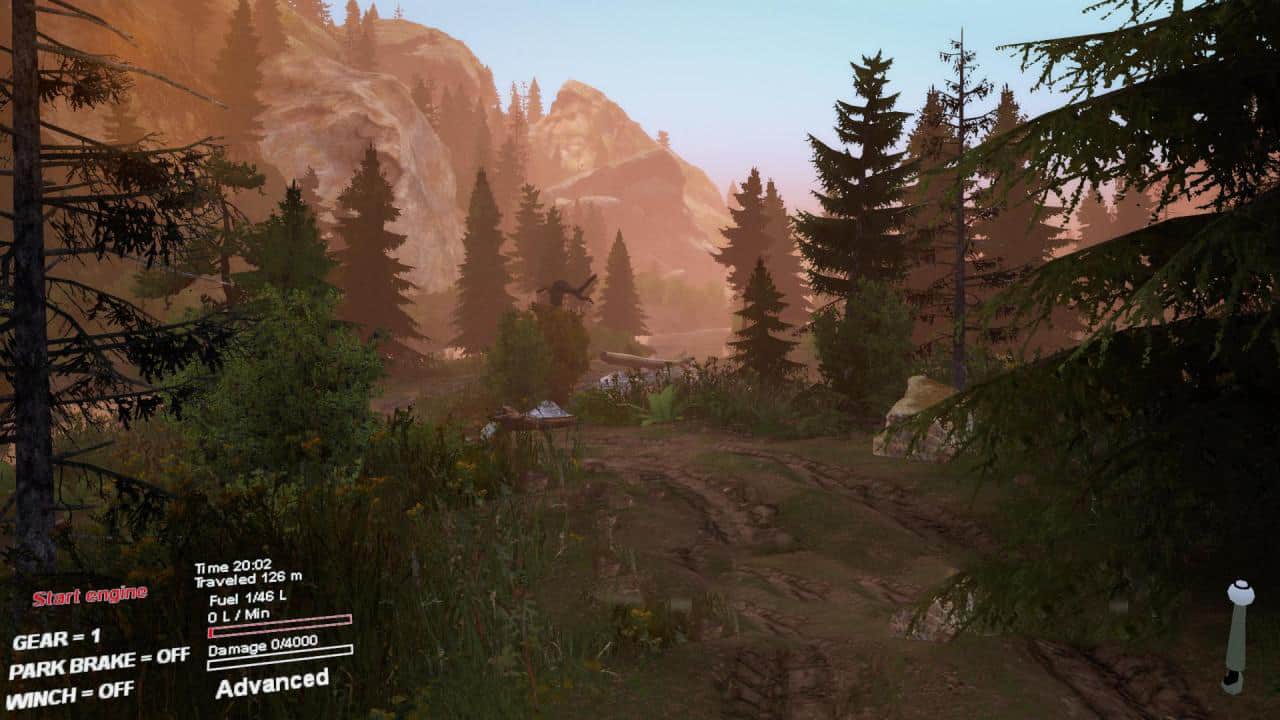
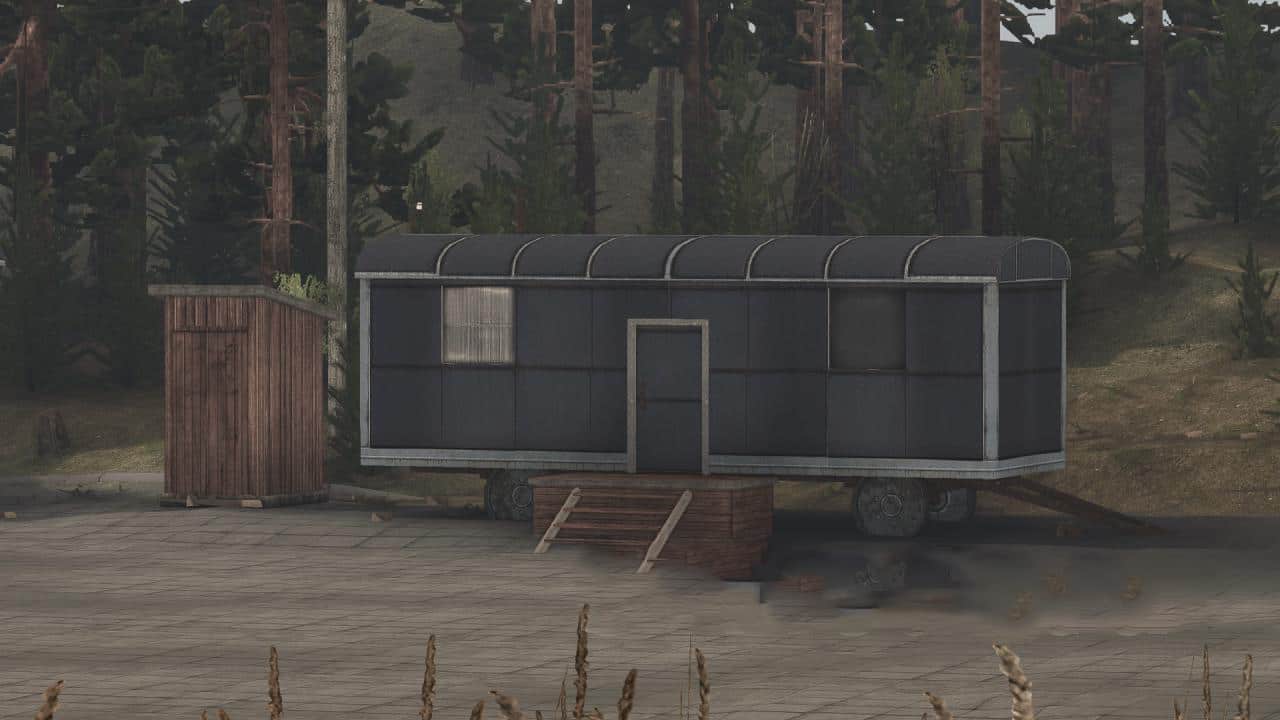
Spintires - Instructions for Replacing Textures V1.0
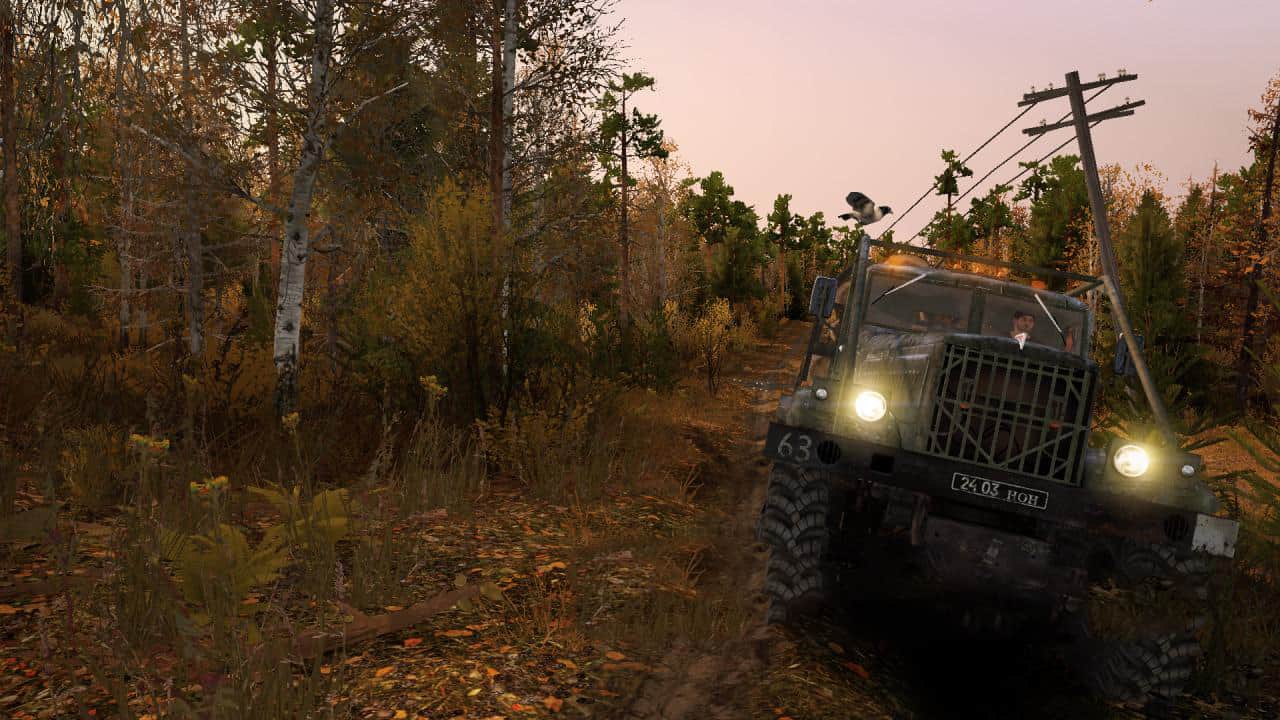
Using this instruction, you can change the textures of the game of any version from 03.16 without affecting the TextureCache archive.
Installation:
Unzip the downloaded rar to any free space on your pc and go to the folder, copy the Media folder to the root of the Media game (like a normal mod). Next, go to the 03.03.16 or 1.6.1 folder depending on your version of the game, copy the User folder to the root of the game. That’s all, play and enjoy the textures of the “Golden Autumn” pack from the author Vlad & MIR. More details in the video. If you want to change the textures to default, just delete the folder with the Mediaautumn textures from the Media folder.
It is also possible to replace textures in the game of any default cars and objects by inserting replacements into the Mediaautumn.

Authors: 13Deed
 Uploaded by