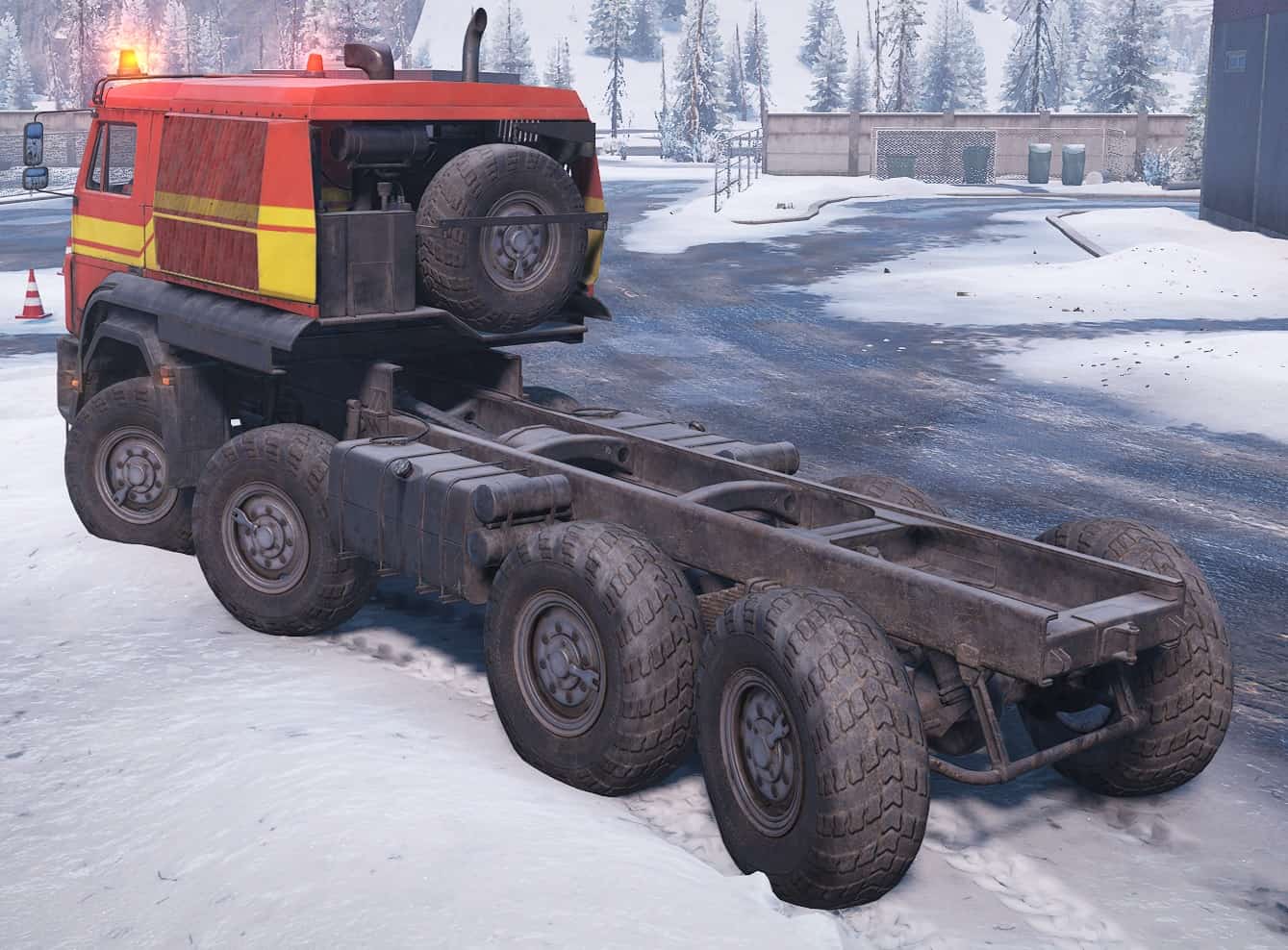
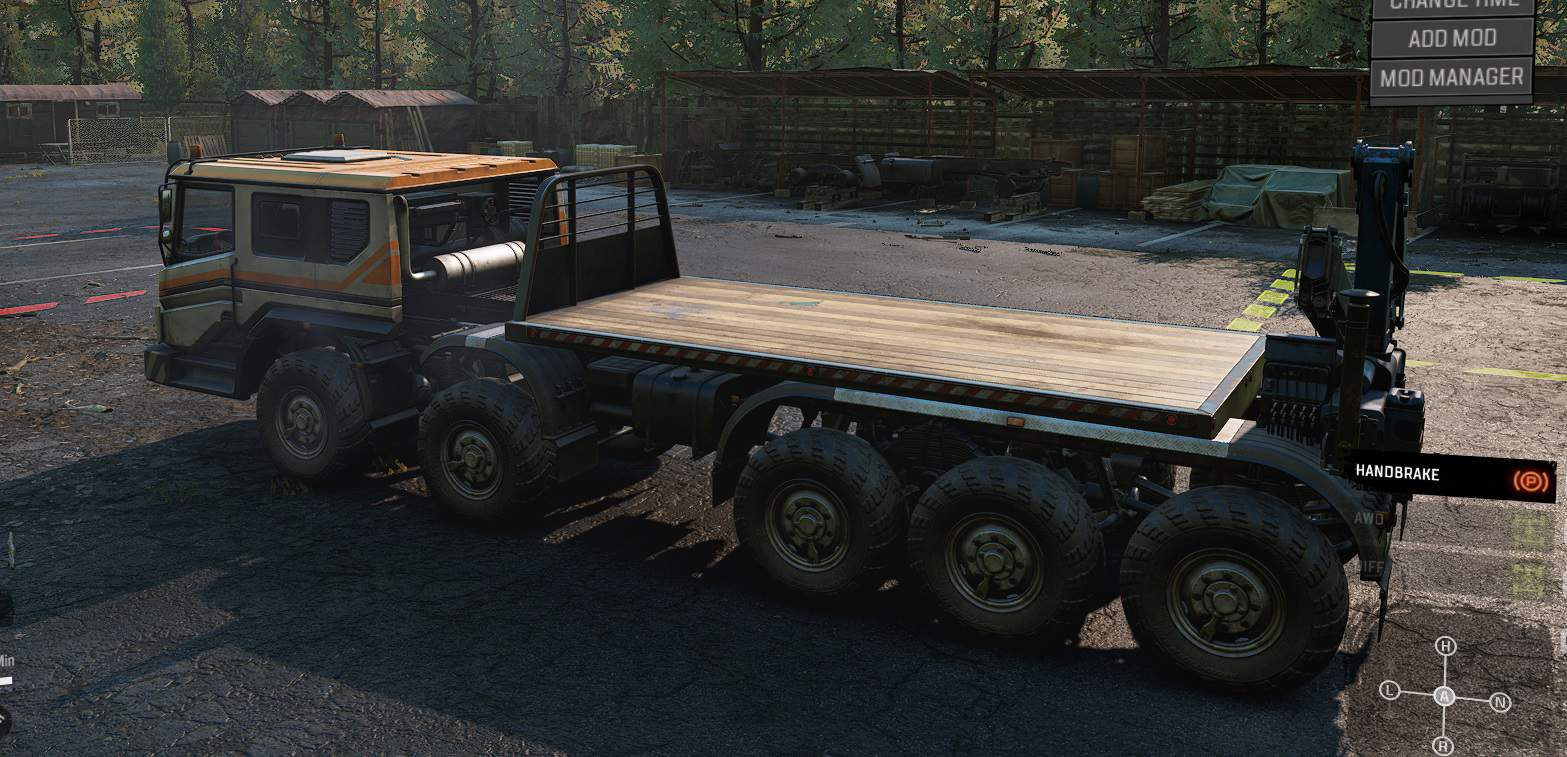
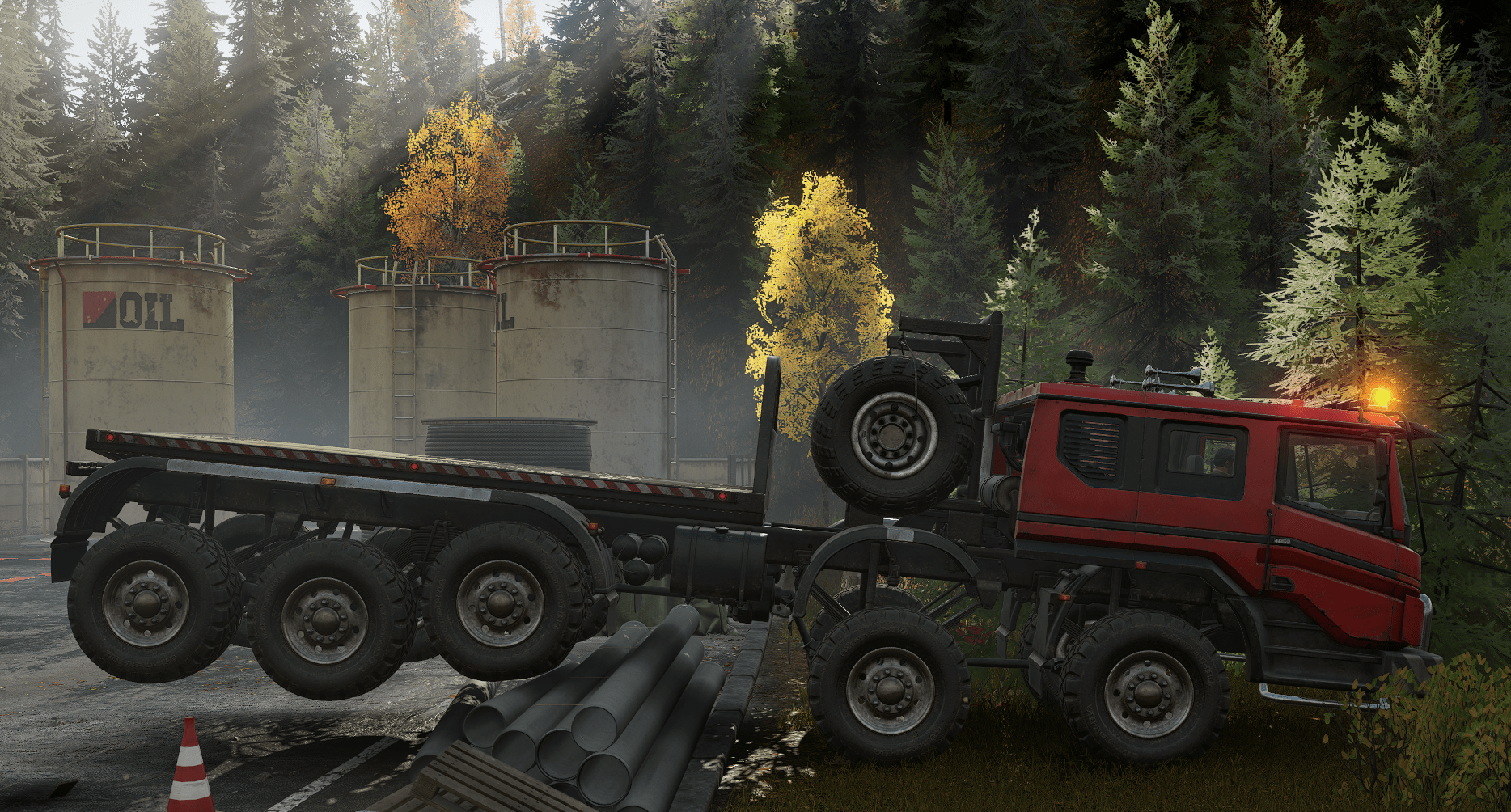
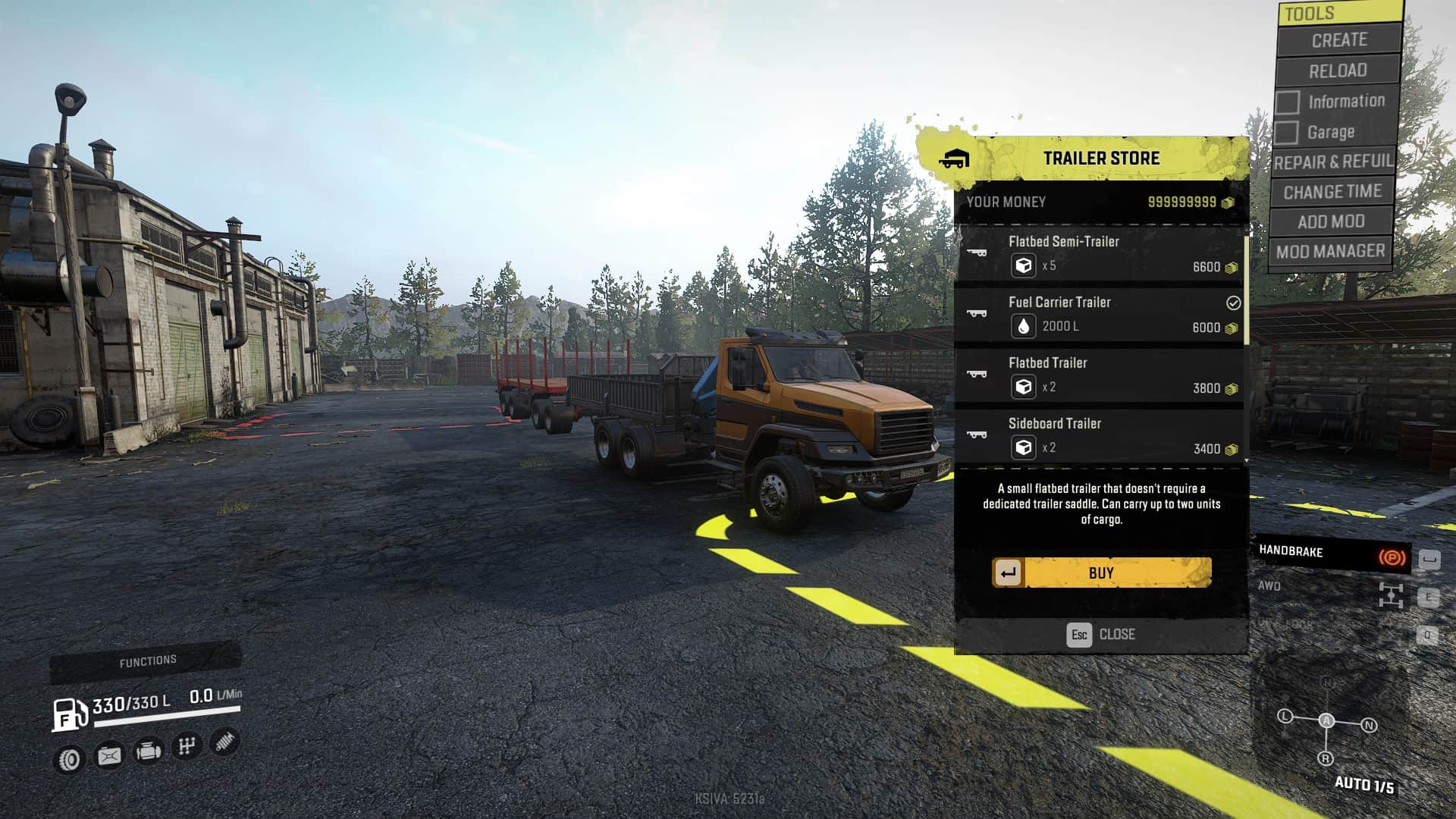
SnowRunner - Opening a Voron AE Suspension V1
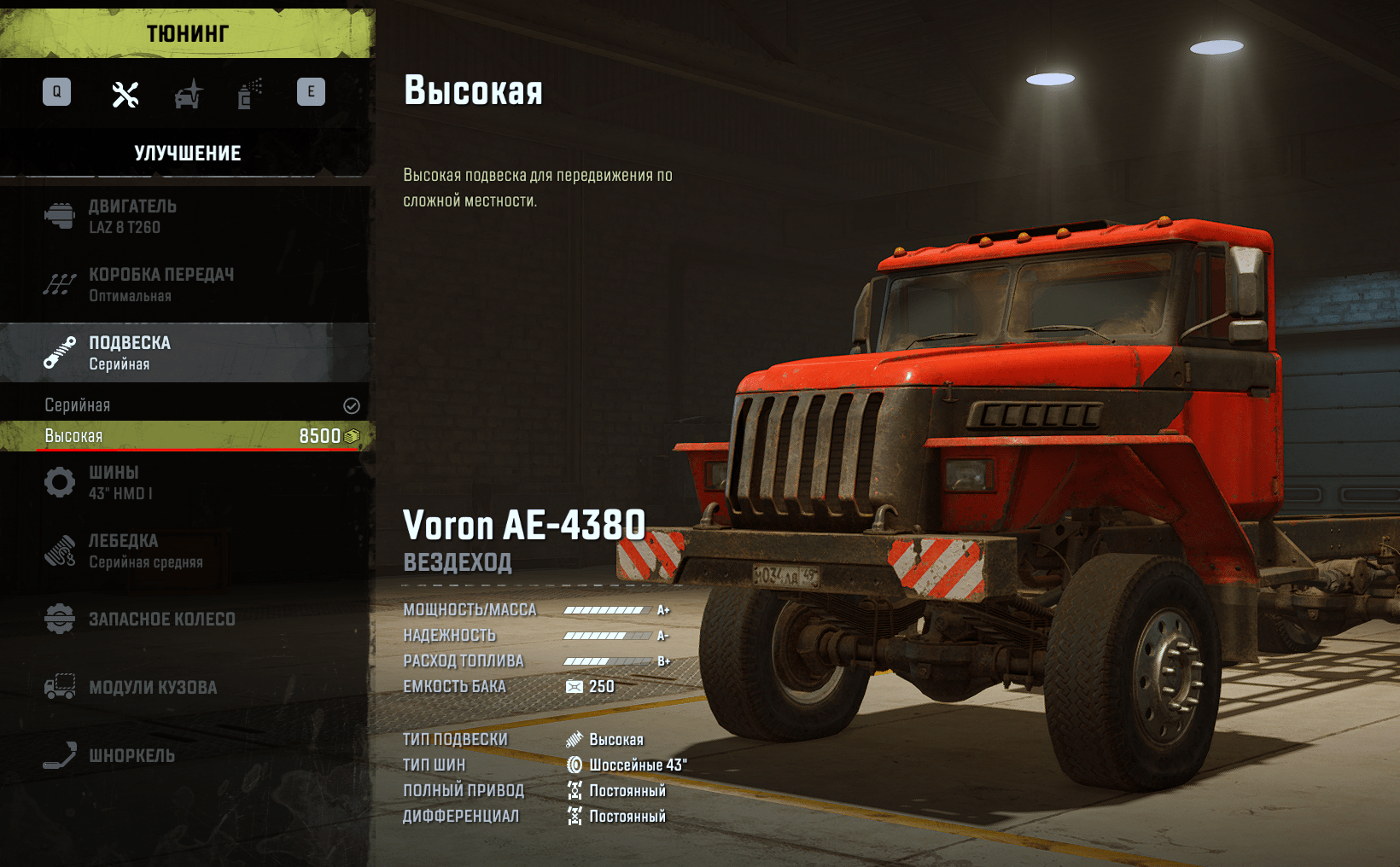
A simple modification to open the Voron suspension which is not yet found anywhere
How to install the mod?
Close your game and be sure to backup your original “initial.pak” file!
1) Download and unzip the file.
2) Go to your game directory (i.e. Epic Library\SnowRunner\en_us\preload\paks\client\) and open “initial.pak” with WinRAR.
3) Go to the right place on the “[media]\classes\suspension”.
4) Open the downloaded file
5) Drag & Drop the file “s_voron_ae4380.xml” you downloaded into WinRAR and confirm the action with “OK” in the upcoming window without changing any values. It will overwrite the original file.
6) Close WinRAR. Done.
Authors: Han_Cholo
 Uploaded by