RDR2 - Emotes on Command
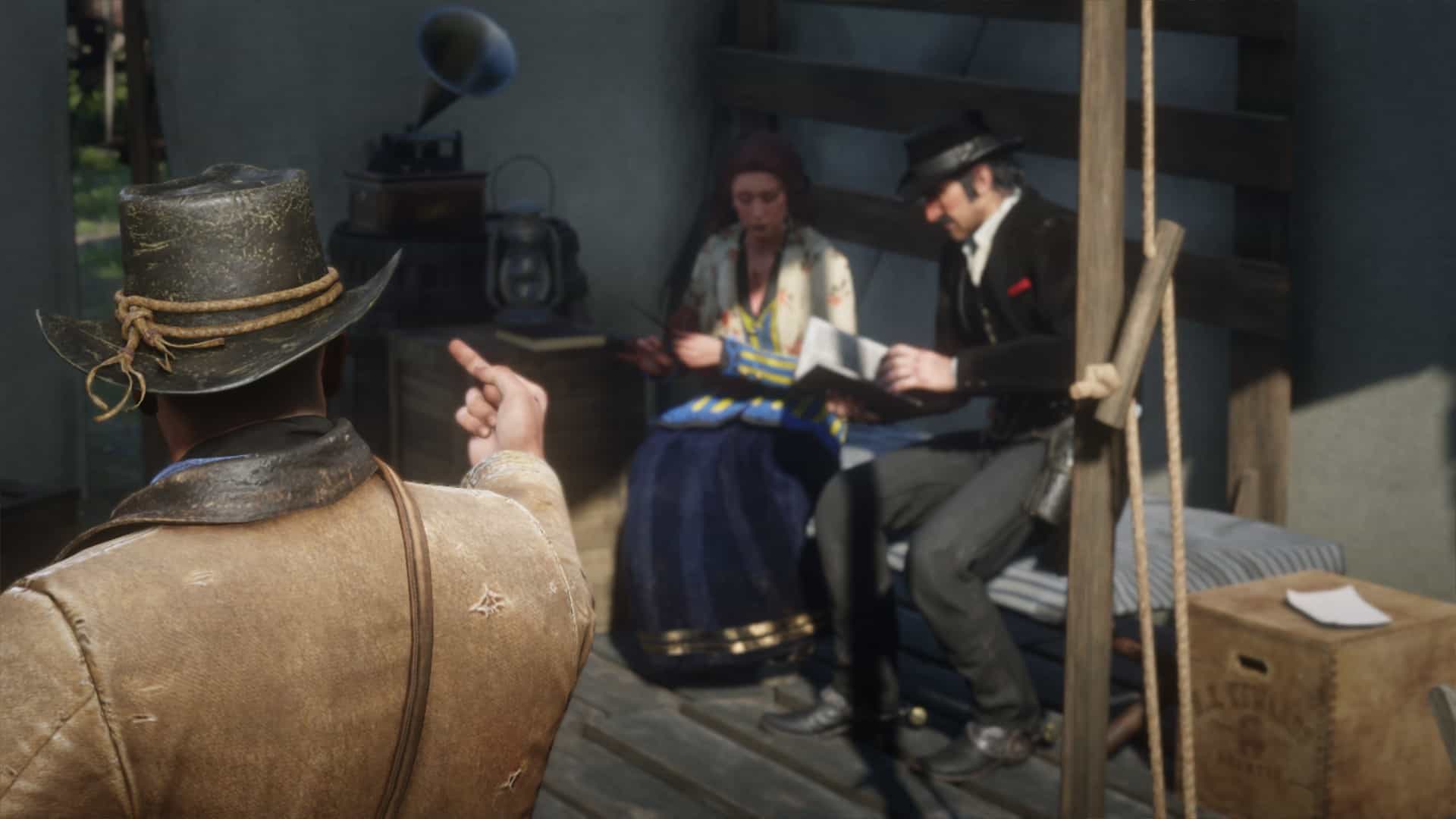
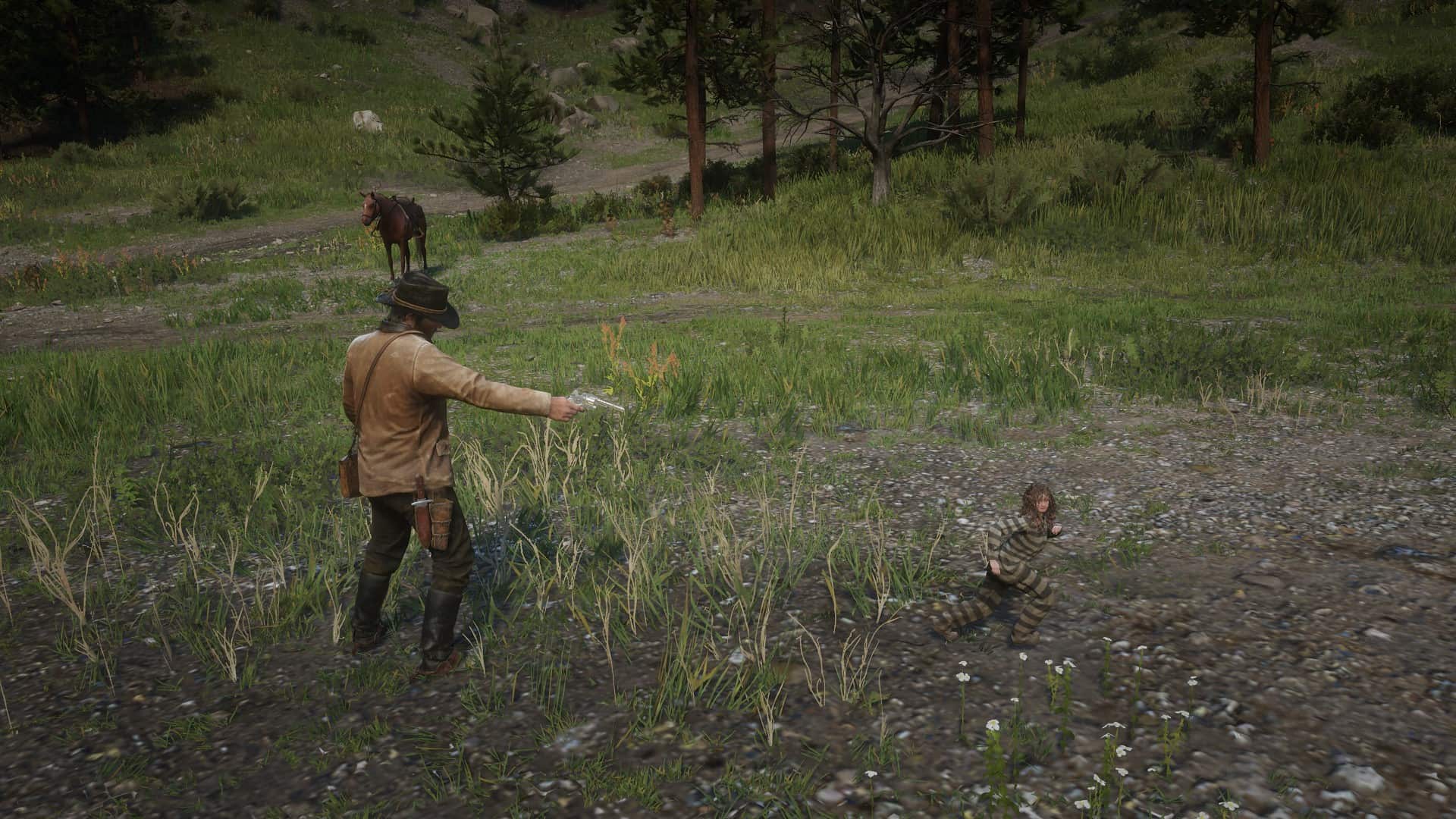
This is a simple mod that allows you to play an emote on command using a hotkey. You can only use one emote at a time. If you want to use
a different emote then you can replace the emote found on “EmoteOnCommand.txt” which should be installed. Make sure that there isn’t anything else
on this file other than the emote to be used. Emotes can be changed in-game. Just alt-tab and change the emote to the text file.
How to use the mod:
Keyboard:
Press ~ (its right next to number 1) to play the emote.
Controller:
Press X/Square + Down on the D-Pad to play the emote.
Installation:
– Install Alexander Blade’s ScriptHookRDR2
– Extract “EmotesOnCMD.asi” AND “EmoteOnCommand.txt” in to your Red Dead Redemption 2 game folder.
– Done!

Authors: kostas96b
 Uploaded by