Town Zoning Tool
Download Town Zoning Tool mod for Transport Fever 3.
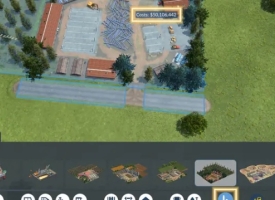
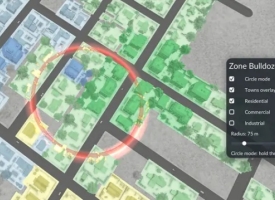
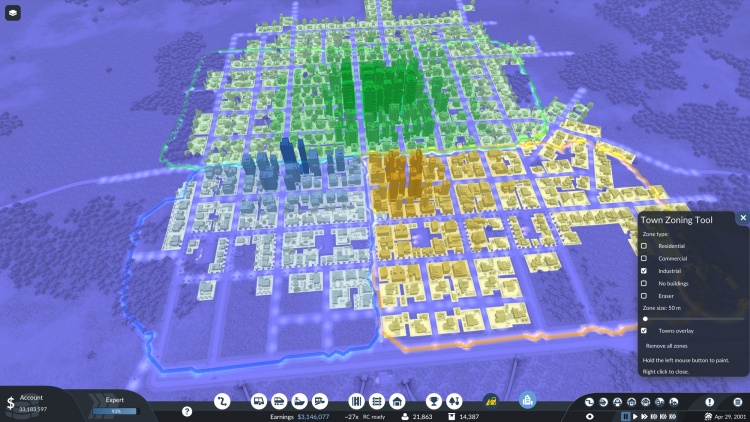
Town Zoning Tool allows you to paint zones across towns to control exactly where residential, commercial, or industrial buildings develop, or mark areas where the town cannot expand.
Towns still follow their normal growth mechanics, but the tool automatically demolishes any building that does not match its assigned zone until the designated layout stabilizes.
Features & Controls:
- Zone Selection: Residential, Commercial, Industrial, or No Buildings (prevents all growth).
- Brush Size: Adjustable from 50 m (single block) to 1000 m (entire district).
- Eraser: Clears existing zones.
- Overlay: Tints existing town structures by category for quick identification.
- Safe Assets: Never alters roads, tracks, player stations, depots, primary industries, or placed trees. Only targets procedural town buildings.
Details:
- Compatible with both new and existing saves.
- Zone boundaries are saved with your game file.
- Demolition costs and reputation penalties still apply during town restructuring.
How to install:
Extract the file.
Unzip the downloaded archive into your game's staging area folder:
Steam\userdata\[YourSteamID]\3493540\local\staging_area\
- (Ensure the gw_town_zoning_1 folder is placed directly inside staging_area)
Activate in-game.
Launch the game.
Open the Mod Hub.
Locate GW Town Zoning Tool and set it to Active.
Authors: Kres K
 Uploaded by