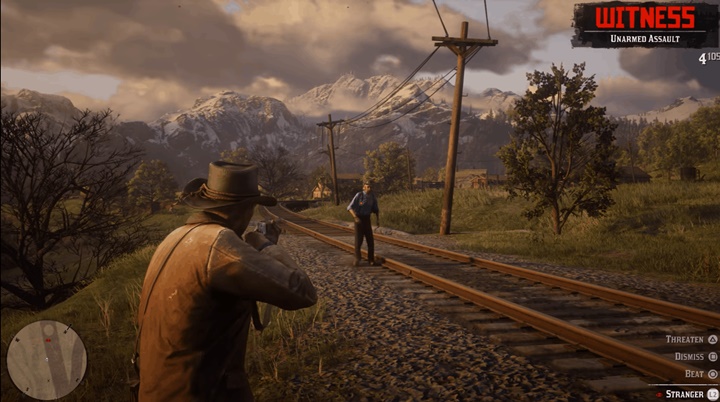
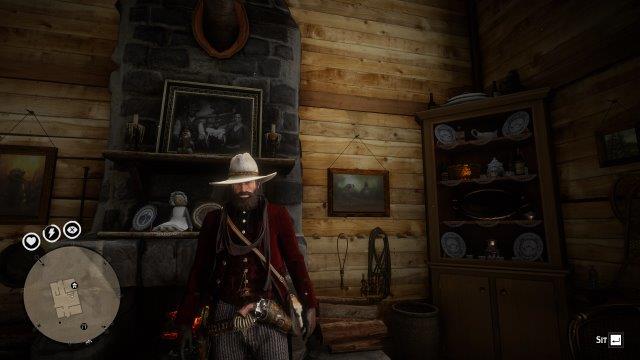
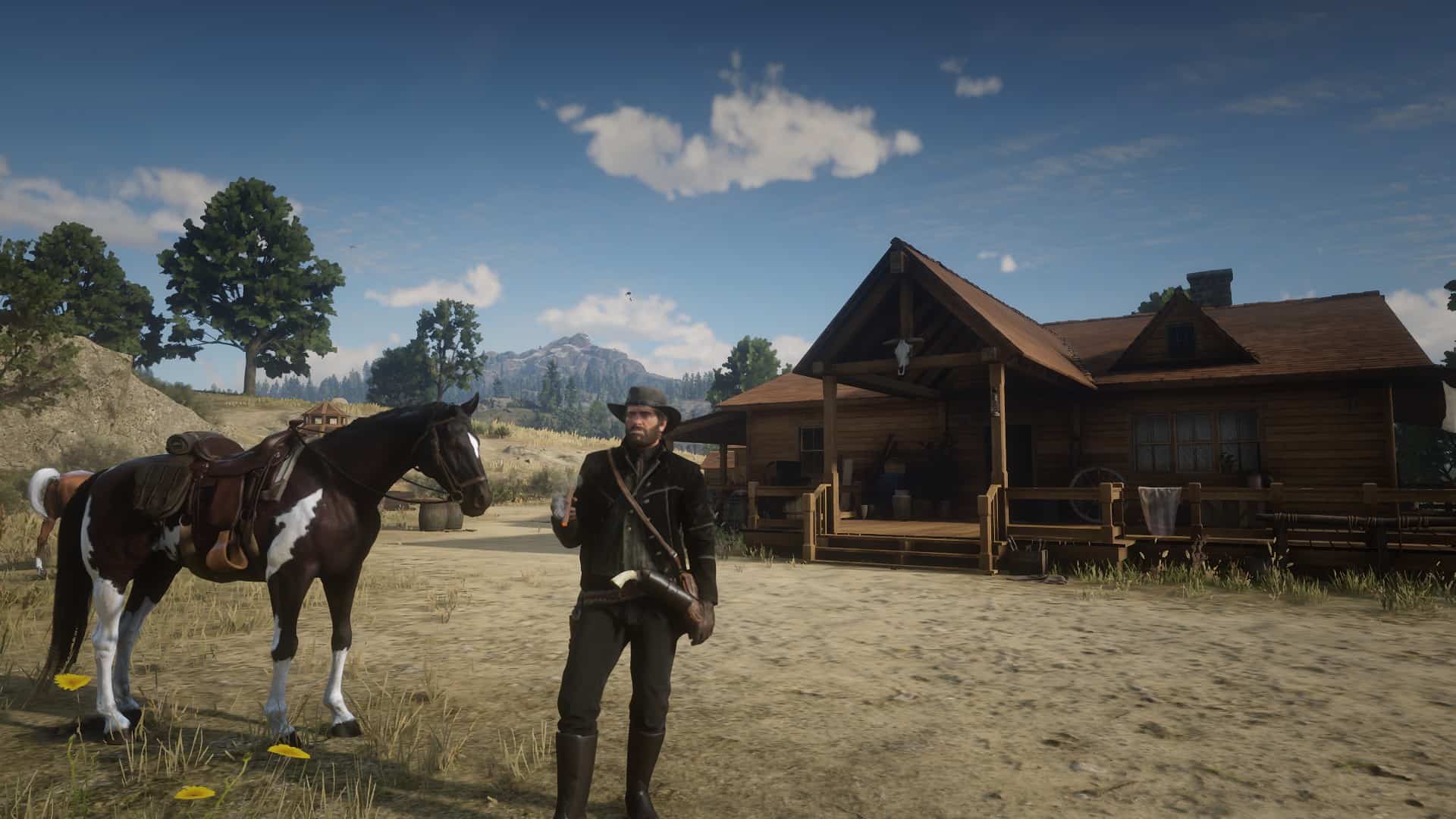
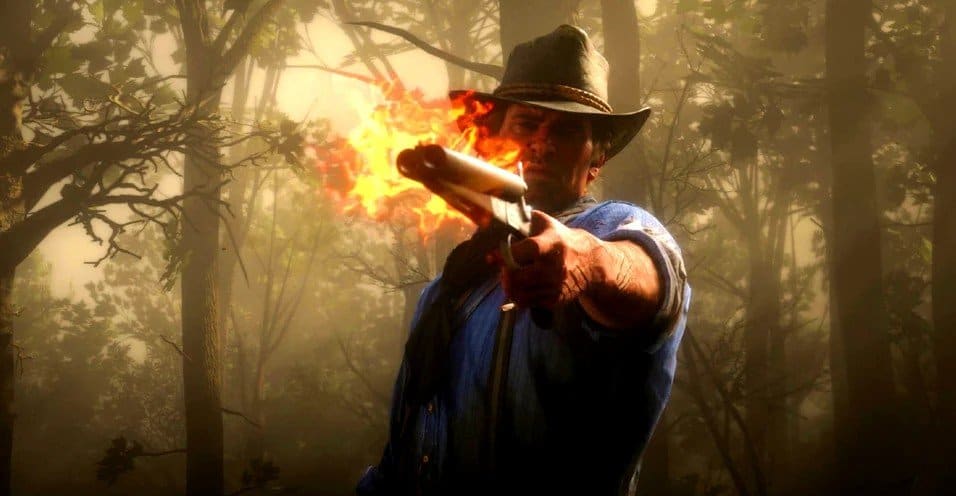
Red Dead Redemption 2 - Intro Completed Save File
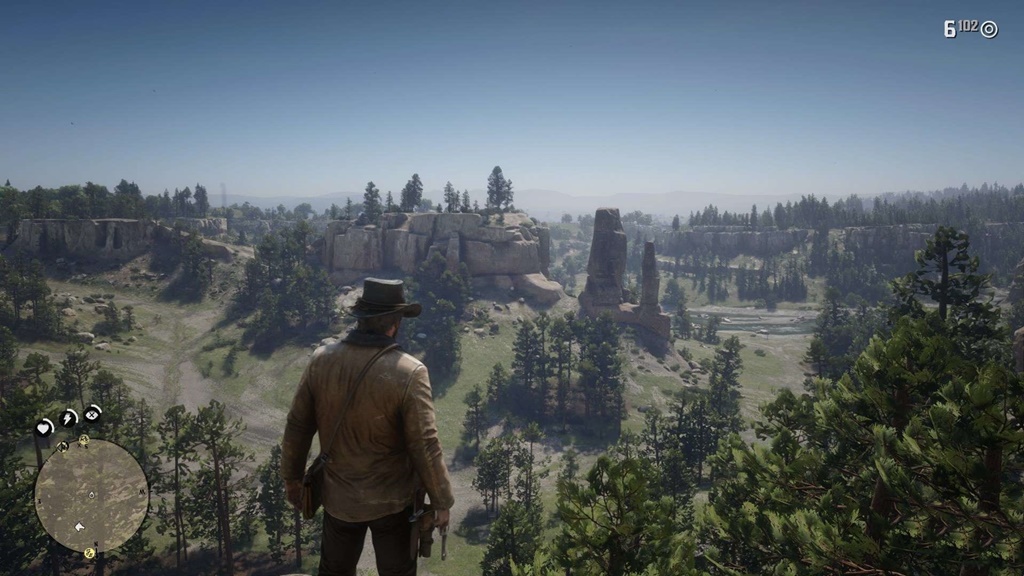
Red Dead Redemption 2 - Intro Completed Save File

Right after the opening mission of Chapter 1. If you've played on the console, you can skip the first mission

Saving is fully working, the right thing to install it. All the files from the archive that you download should be placed in the folder of your account the game Red Dead Redemption 2 in the Documents.

Installation path: C:\Users\< name >\Documents\Rockstar Games\Red Dead Redemption 2\Profiles\< profile >

The profile can be called: FC84895D, 640DD797, etc. everyone has their own profile name!

Red Dead Redemption 2 - Intro Completed Save File

Red Dead Redemption 2 - Intro Completed Save File

Authors: AccidentalGenius

Today Downloads: 1
luslul Uploaded by luslul
Play Sudoku

Similar Mods in RDR2 - Savegames

RDR2 - %100 Savegame (Perfect)

RDR2 - %100 Savegame (Perfect)

2020-07-16 14:47:04 40
RDR2 - My Last Boy – Save File

RDR2 - My Last Boy – Save File

2021-01-07 10:01:46 70
RDR2 - Maximum Marston

RDR2 - Maximum Marston

2020-06-20 08:55:28 15

Leave a comment


Today Popular Mods
Realistic Graphics Mod V55.0

Realistic Graphics Mod V55.0

ETS2 Mods
14 Download
ETS2 - All DLCS for Free V1.0

ETS2 - All DLCS for Free V1.0

ETS2 Mods
8 Download
Mafia 2 – Trainer Mod Menu

Mafia 2 – Trainer Mod Menu

Mafia 2 Mods
7 Download
Comil Invictus DD + Rodas V1.60

Comil Invictus DD + Rodas V1.60

ETS2 Mods
6 Download