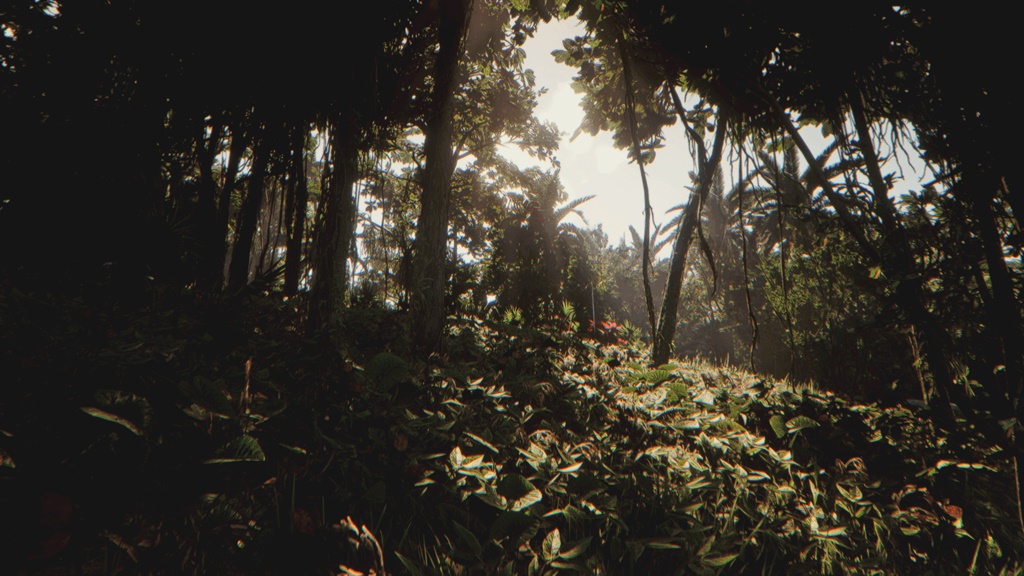
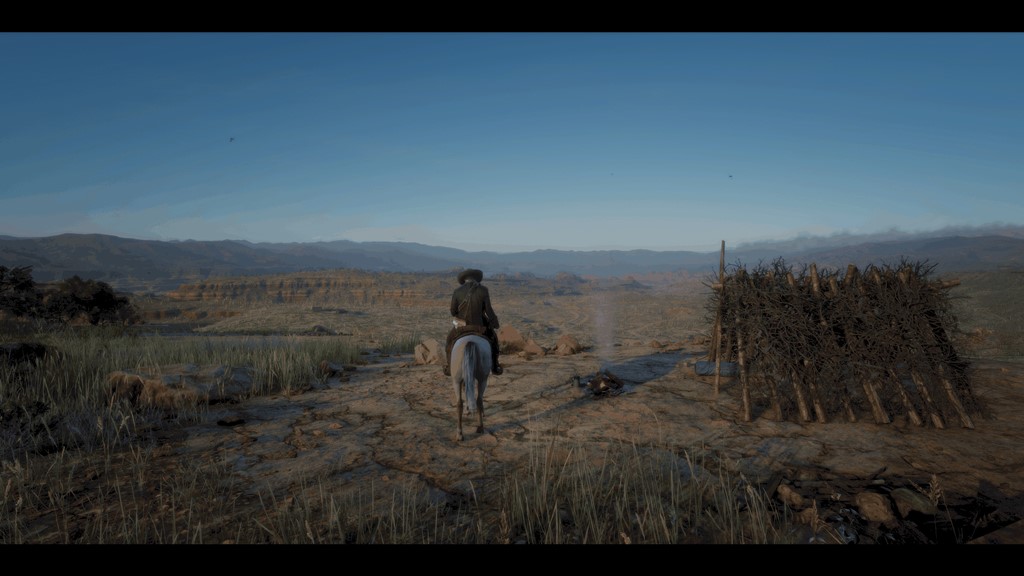
RDR2 - Ninja Reshade – Enhanced Visuals for TAA
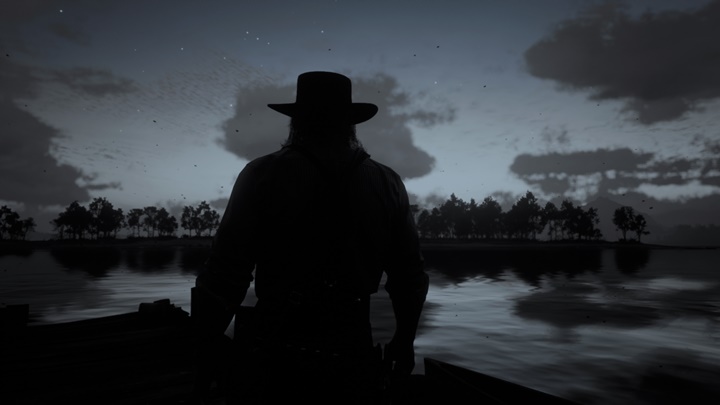
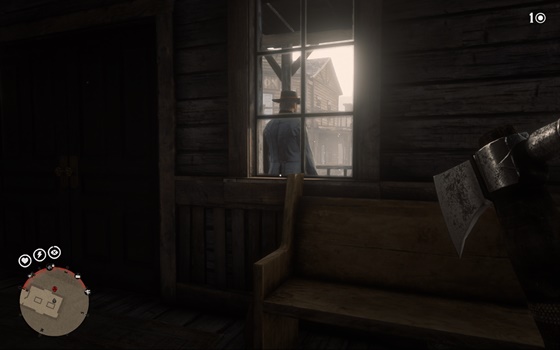
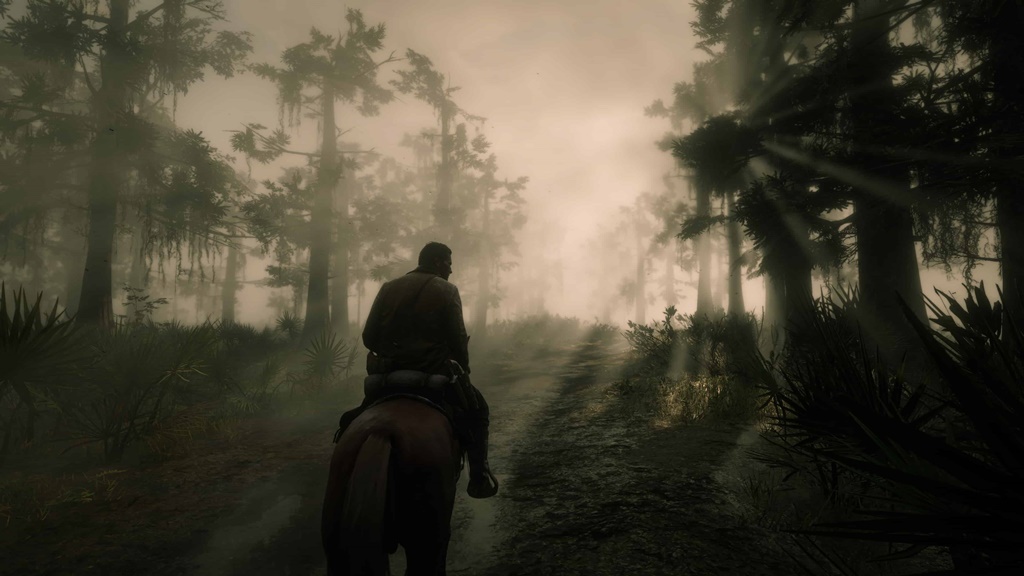
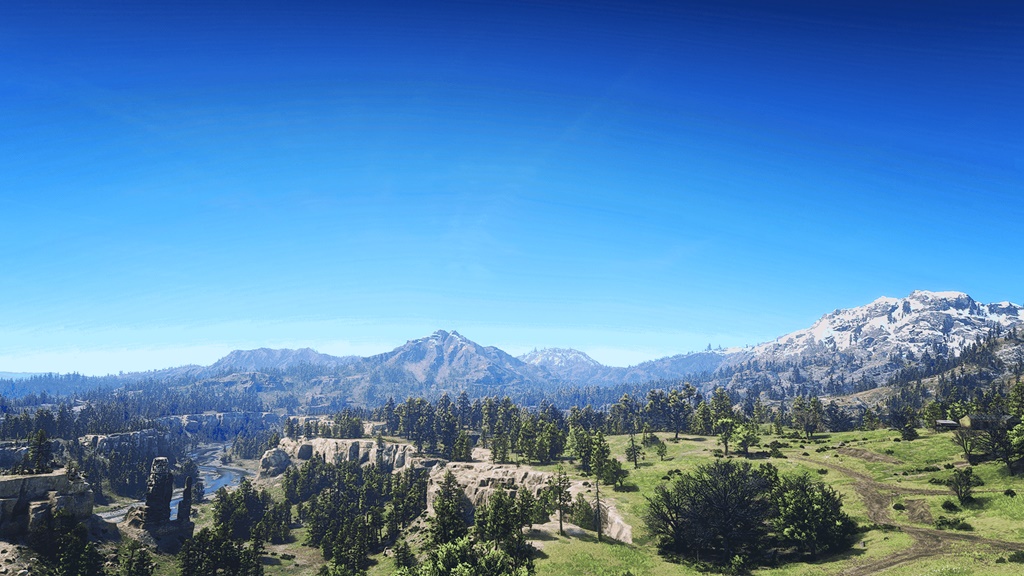
ReShade preset created during my RDR2 playthrough in order to enhance the visual experience. Increases contrast, sharpness, and color vibrance, while also compensating for the image quality losses that TAA introduces. The values were calibrated for my IPS monitor, so feel free to adjust them if you find necessary.
* Sorry for the lack of pictures, I decided to upload the preset after I deleted the game. Will update with photos as soon as I get the chance to reinstall.
Installation:
1. Download ReShade(reshade.me).
2. Install ReShade into your game (run installer, select rdr2 executable as target, then select DX10/11/12 and check all shaders).
3. Copy my preset file to the game folder (where the executable is located).
4. In the game, make sure to select DX12 as renderer in the graphic options menu. You should also enable TAA to minimize aliasing.
5. Restart game and press Home to toggle the ReShade UI, then make sure Ninja_Reshade preset is selected in the ‘Home’ menu.
Authors: NinjaReborn
 Uploaded by