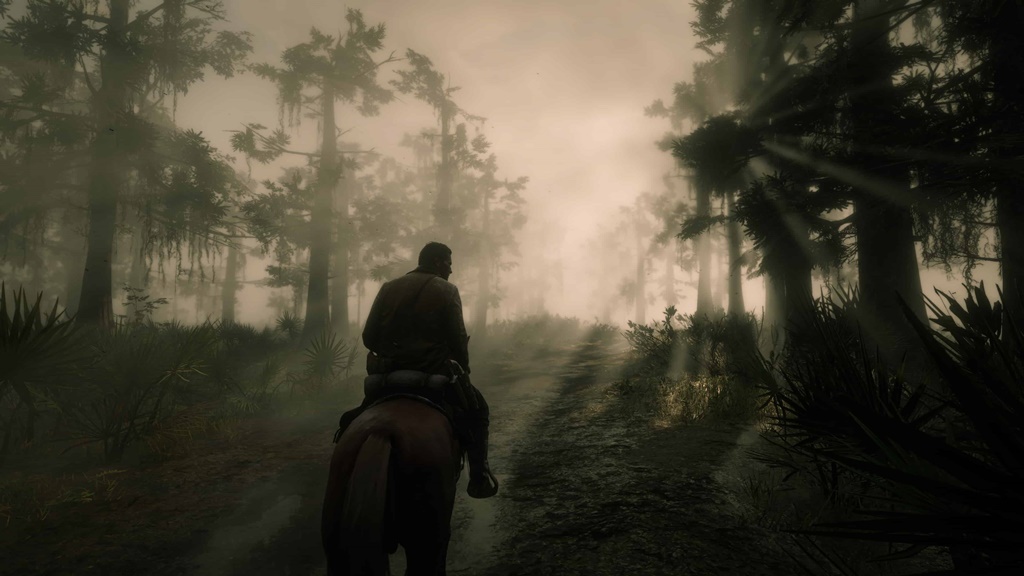
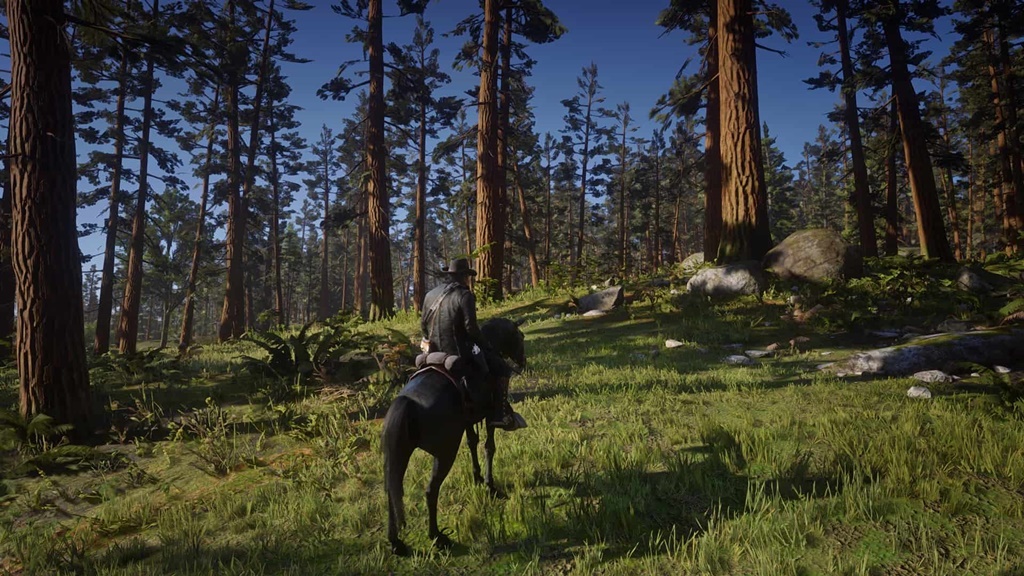
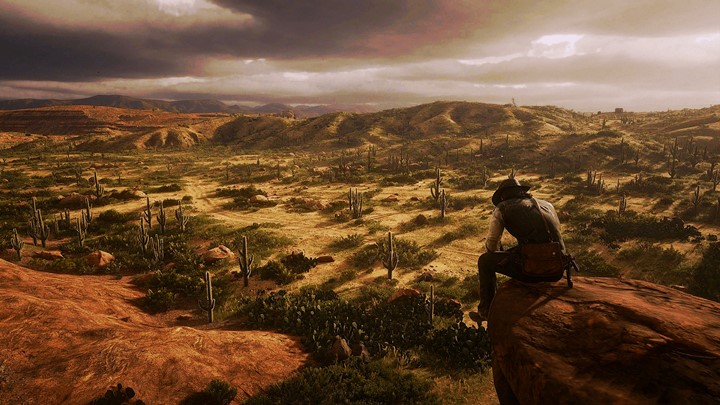
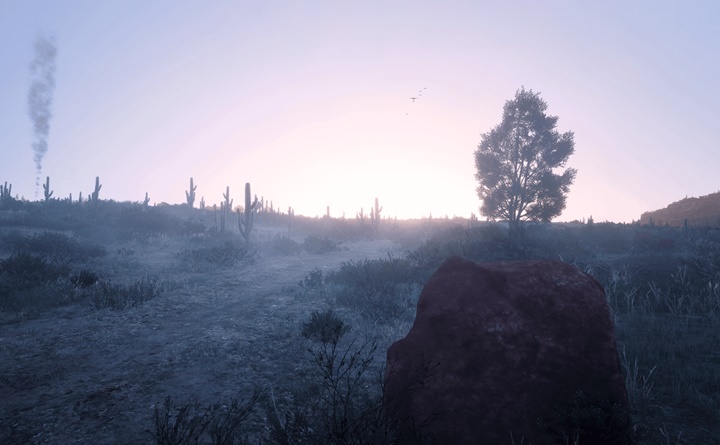
RDR2 - My ReShade Preset
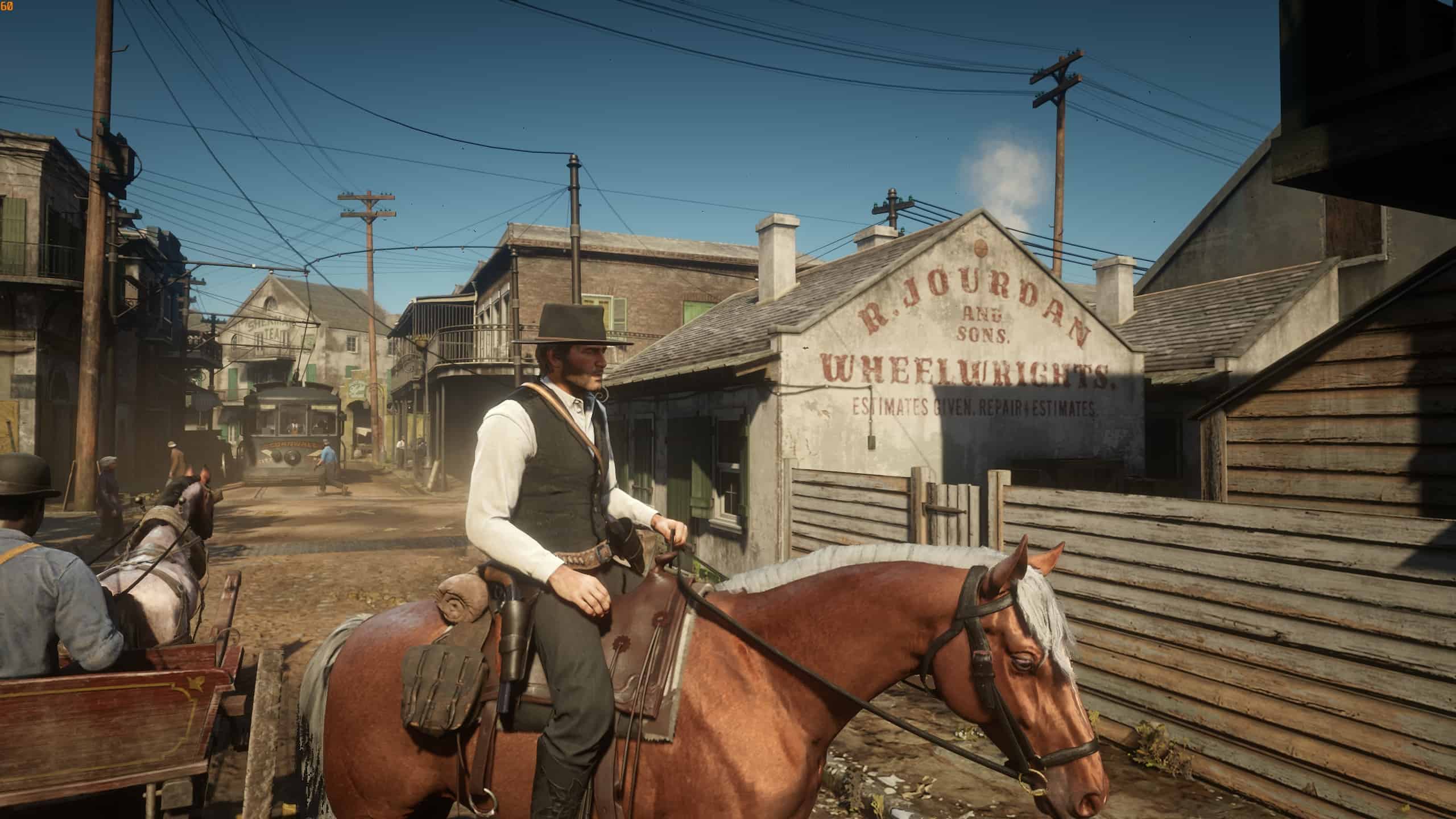
In-Game Settings Used: Brightness: 13/30
Installation Instructions:
1. Download latest version of ReShade here:
reshade.me
2. Open ReShade and install to your:
C:\Program Files (x86)\Steam\steamapps\common\Red Dead Redemption 2\RDR2.exe
3. Select either “Direct3D 10/11/12” or “Vulkan”.
4. *If* you are using Vulkan, turn on the “Enable/disable ReShade in Vulkan globally” option.
5. Install the singular effect: “LUT.fx”
6. Replace the reshade-presets folder with my own version (in actuality, it’s just the LUT.png file). The reshade-presets folder is in the same directory from earlier:
C:\Program Files (x86)\Steam\steamapps\common\Red Dead Redemption 2\RDR2.exe
7. Open RDR2, hit “Home”, skip the tutorial and ensure the LUT.fx effect is enabled. Hit “Performance Mode” and you’re done.

Authors: himawari_a
 Uploaded by