RDR2 - Joews File Manager
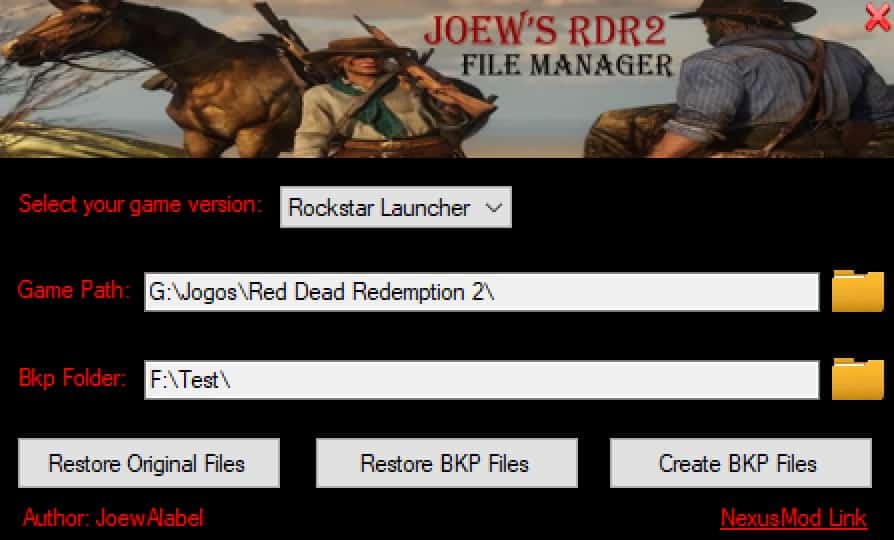
Features:
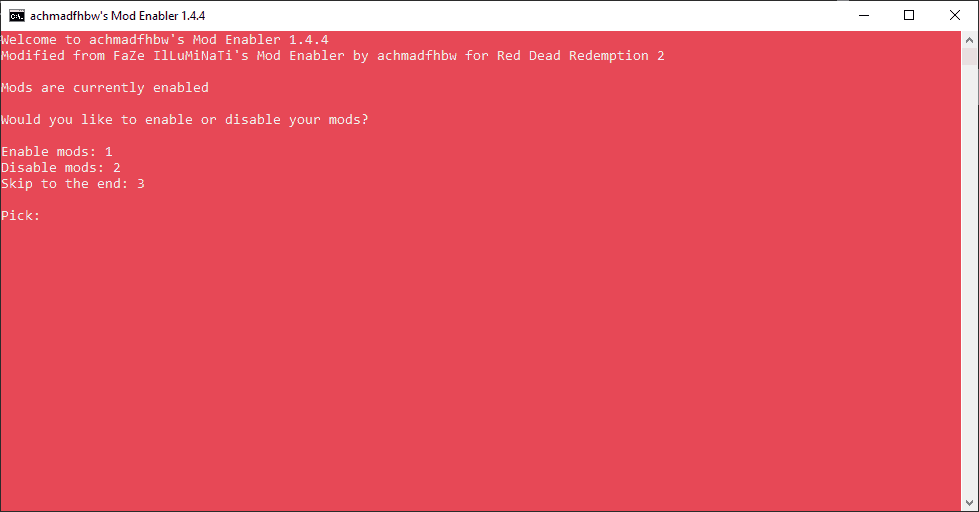
– Restore RDR2 Original files to play online with no problem!
– Make BKP of your files to don’t loose your mods!
– Restore your backup to enjoy singleplayer with your mods!
Requirements:
– .NET FRAMEWORK 4.8
– Rockstar Game Launcher or Steam version
Instructions:
– Select your game version.
– Click at folder’s icon and select the folder you have installed your game.
– Click at folder’s icon and select the folder to save your bkp file.
– Click the button Create BKP Files (do this all the time you install/remove mods/files from game folder).
– Click the button Restore BKP Files to restore your backup.
– Click the button Restore Original Files to delete all non official files/folders.
Authors: JoewAlabel
 Uploaded by