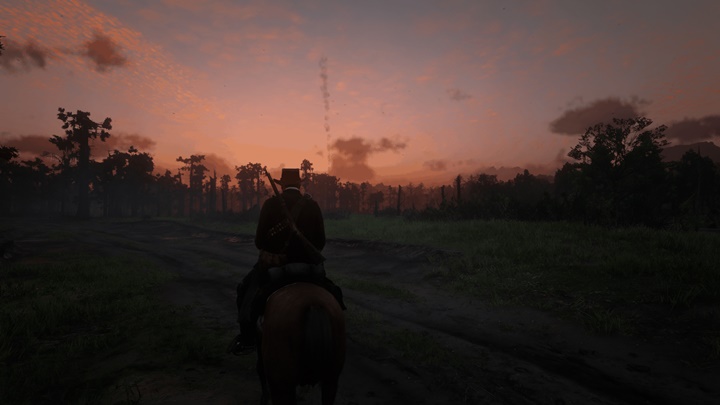
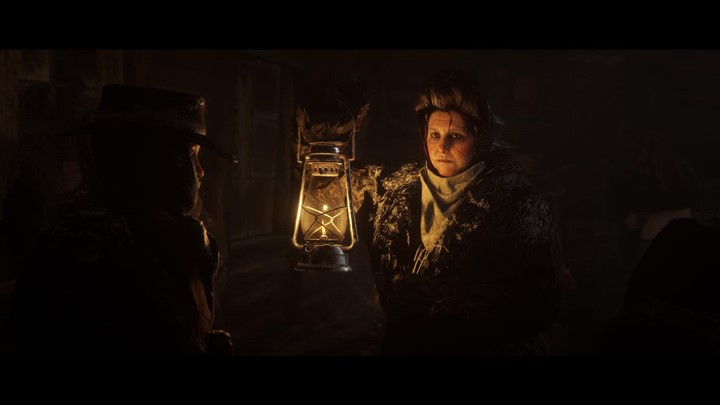
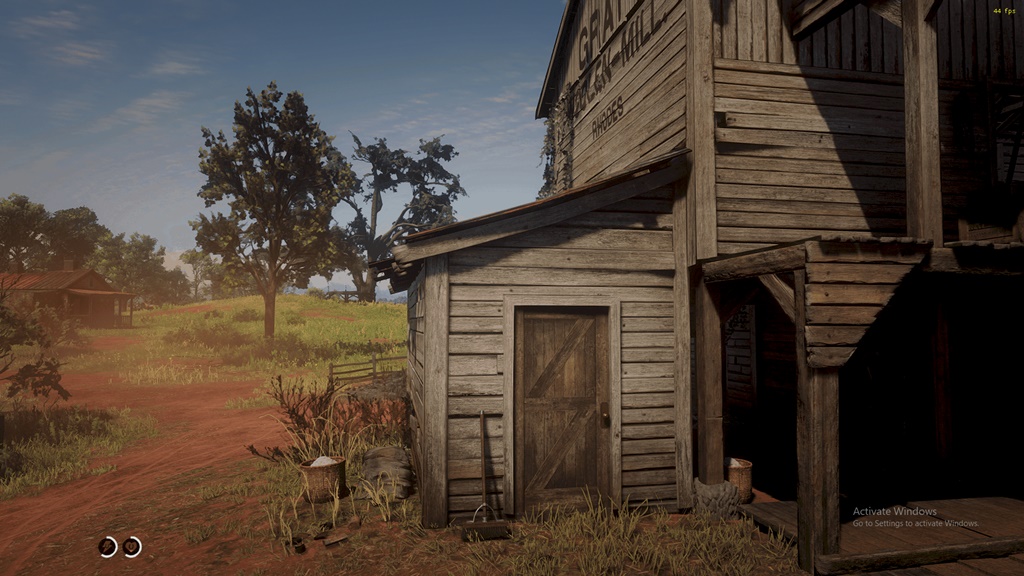
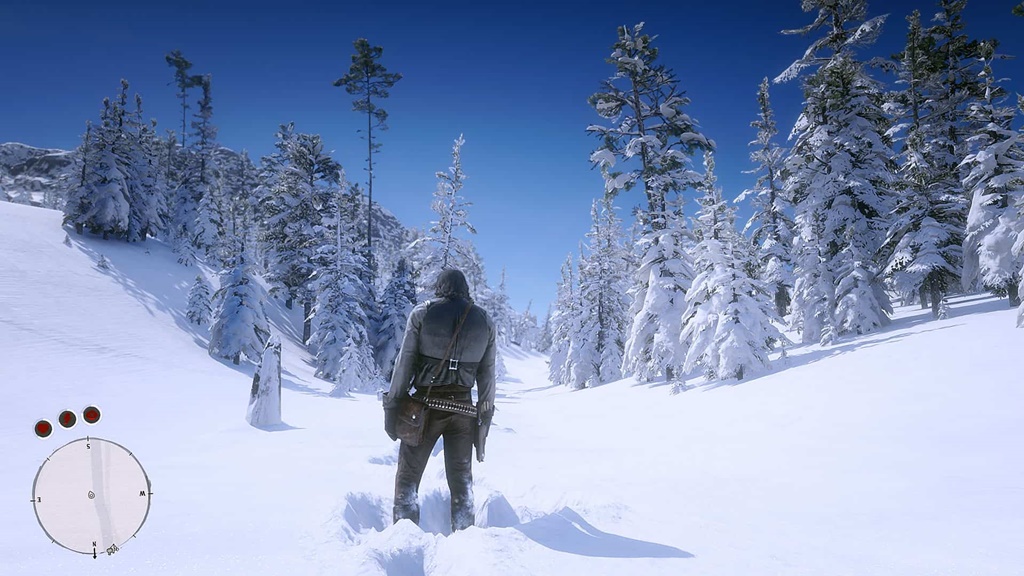
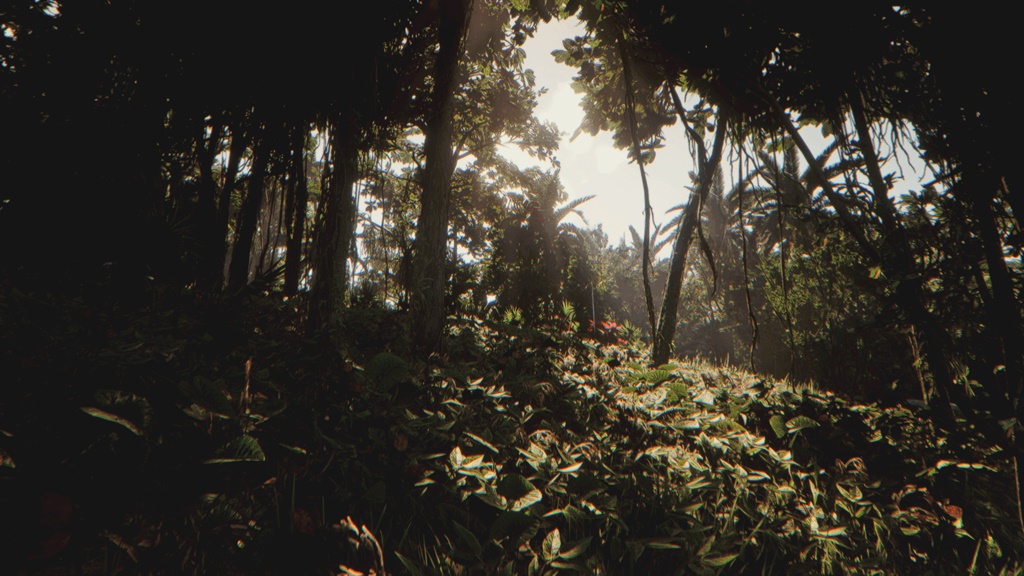
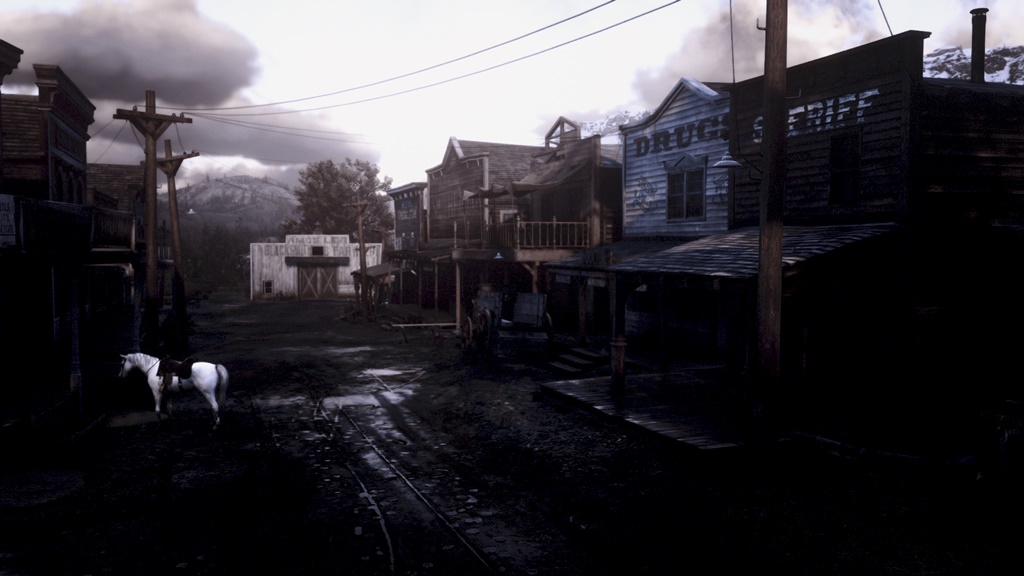
RDR2 - Hailfurys ReShade
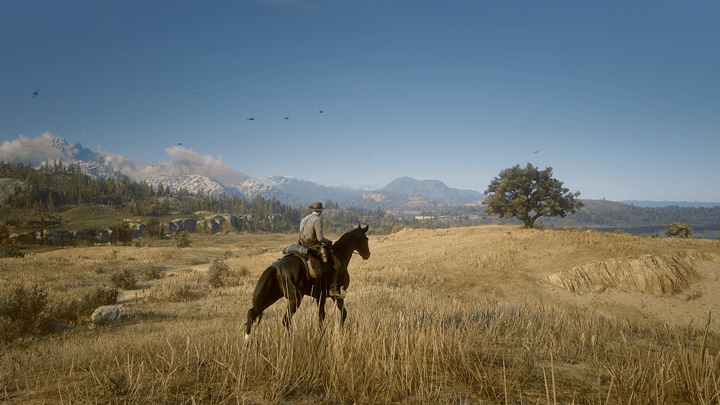
Keep in mind that different people have different settings and different resolutions. It was created for my personal settings (Full HD, Ultra-High settings, 1.5x res.upscale, TAA – High.).You may have differences in the sharpness, especially if you have 2/4K resolution.
Installation:
1. Download ReShade;
2. Install it into your RDR2 folder where the RDR2.exe is; (I chose the Vulkan version, don’t know if there’s a difference with DX);
3. Download Hailfury’s ReShade file and put the .ini file into the same RDR2 folder, where the RDR2.exe is;
4. Open the game;
5. Open ReShade menu with ‘Page Up’ (if not, try ‘Home’) button and choose ‘Hailfury’s ReShade.ini’.

Authors: Hailfury
 Uploaded by