Mafia 2 – Fixed Camera

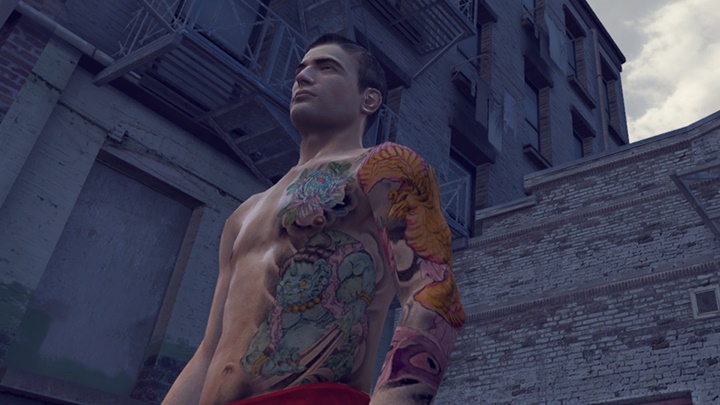
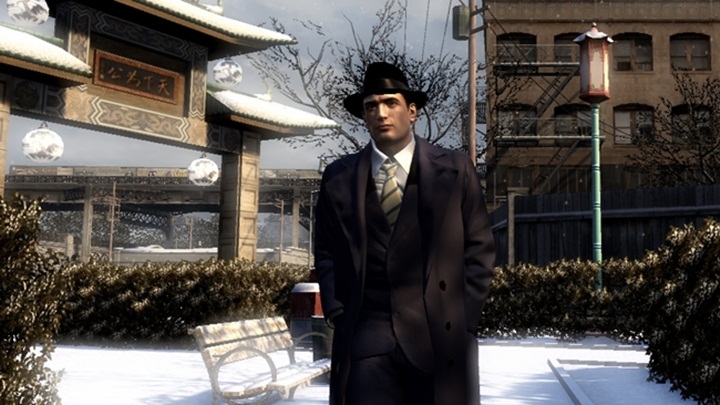
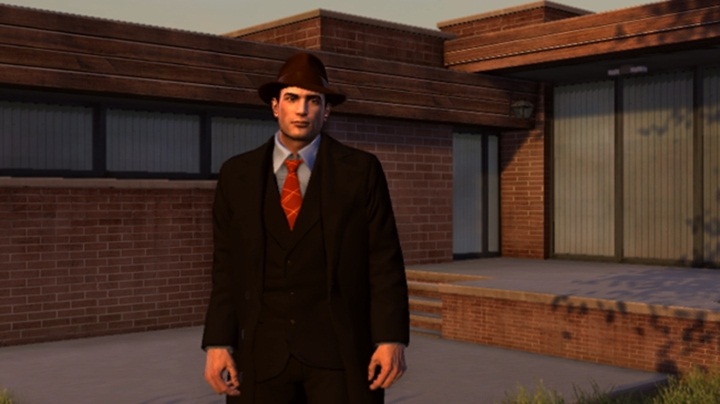
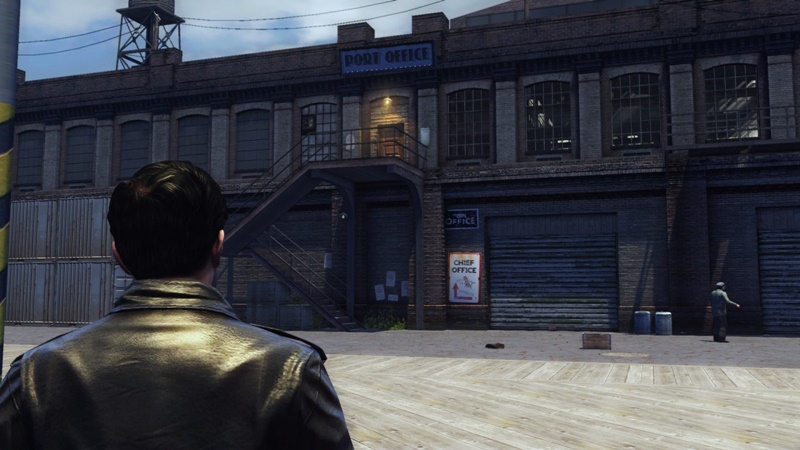
This Lua script freezes the game camera at the player’s current position, you can still control/move the player.
The camera is fixed and you can do everything you want to do.
To call the camera back to player (to get the camera to the default game position) just click “Y” on your keyboard.
Mod is great for recording cinematic videos in Empire Bay.
Highly recommend using this mod with the "Hide Hud" mod.
You can edit the activation keys (‘Y’ and ‘T’) to your liking by right-clicking & opening the LUA file with notepad
Controls:
T – freeze camera position
Y – resume to default camera position
Installation:
Scroll down to the “Installation” section to learn how to install this mod.
Using the script:
Launch Mafia II and get in-game.
Press “Alt+Tab” to minimize the game.
Navigate to your “pc” folder.
Run “mafiainjector.exe”.
Return to the Mafia II window.
Resume the game.
Press the function key after which the downloaded Lua script is named.
For example, if the script’s name is “F3”, press the “F3” key to run the script.
Press ‘T’ to activate the mod and ‘Y’ to resume default camera position.
Authors: Alfons
 Uploaded by