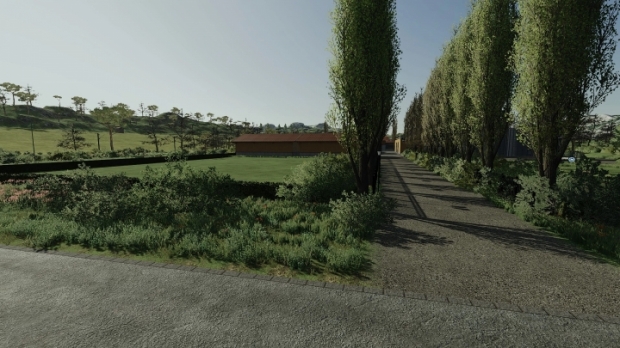
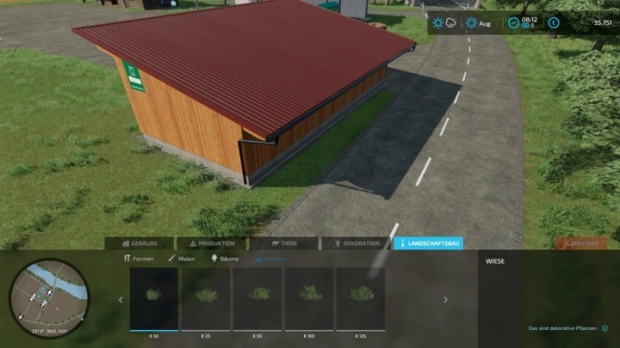
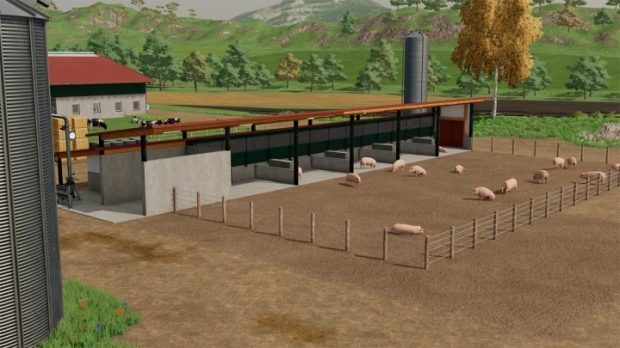
FS22 - Graphic Mod V1.0
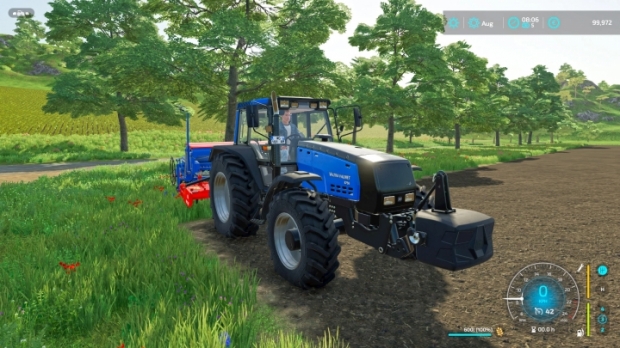
FS22 - Graphic Mod V1.0

1) Open the "Graphic Mod File" folder.
2) Move all the files within the installation folder of the game and in turn into the "x64" folder.
3) Starting Farming Simulator 22 the mod will be activated automatically.
4) If the mod will not be activated automatically, press the "home" button when the game is open and select the "Graphic Mod" profile on the on-screen menu.

FS22 - Graphic Mod V1.0

FS22 - Graphic Mod V1.0

Authors: Suziexy

Today Downloads: 1
luslul Uploaded by luslul
Play Sudoku

Similar Mods

FS22 - Click To Switch V1.0

FS22 - Click To Switch V1.0

2021-11-26 17:00:44 5
FS22 - Realistic Cab View V1.0

FS22 - Realistic Cab View V1.0

2021-11-30 12:09:10 11
FS22 - Gospa in Szpakowo V1.0

FS22 - Gospa in Szpakowo V1.0

2024-07-25 12:46:43 1
FS22 - Lighting for Maps V1.0

FS22 - Lighting for Maps V1.0

2022-01-18 07:50:32 23

Leave a comment


Game Versions
The last 6 game versions are displayed. You can use filtering on the category page to access older game versions.
Today Popular Mods
EAA Rescaled Map V1.59

EAA Rescaled Map V1.59

ETS2 Mods
13 Download
Project RusMap V2.60

Project RusMap V2.60

ETS2 Mods
9 Download
Brutal Traffic V8.0

Brutal Traffic V8.0

ETS2 Mods
8 Download