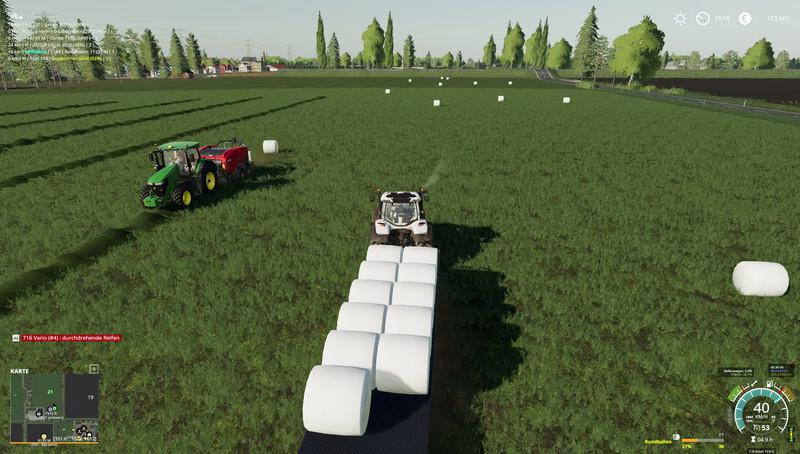
FS19 - John Deere Menu Background V1.0

FS19 - John Deere Menu Background V1.0

How insert the background?
* C: Program Files (x86) Steam steamapps common Farming Simulator 19 shared <- just copy the included "splash.dds" and "splashBlur.dds" files, done.

Steam Version:
C:\Program Files (x86)\Steam\steamapps\common\Farming Simulator 19\shared

CD Version:
C:\Games\Farming Simulator 19\shared

!!!!Before copying, back up the existing "splash.dds" and "splashBlur.dds" files!!!!
The black screen problem has already been fixed!

FS19 - John Deere Menu Background V1.0

Authors: CrowerCZ

Today Downloads: 1
luslul Uploaded by luslul
Play Sudoku

Similar Mods in FS19 Others (1.4)

Leave a comment


Game Versions
The last 6 game versions are displayed. You can use filtering on the category page to access older game versions.
Today Popular Mods
Mafia 2 – Trainer Mod Menu

Mafia 2 – Trainer Mod Menu

Mafia 2 Mods
11 Download
No Damage Mod V1.62

No Damage Mod V1.62

ETS2 Mods
10 Download
ETS2 - All DLCS for Free V1.0

ETS2 - All DLCS for Free V1.0

ETS2 Mods
8 Download
Tuning All Truck Pack V1.62

Tuning All Truck Pack V1.62

ETS2 Mods
8 Download
Realistic Weather System V3.1

Realistic Weather System V3.1

ETS2 Mods
8 Download