ETS2 - Promods 2.72 Full Save
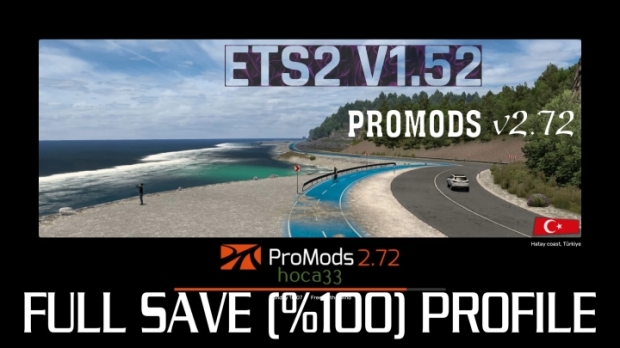
The promods files whose names are written below should be located in Documents => Euro Truck Simulator 2 => mod folder. The save file will automatically detect these promods files. All you have to do is say Continue Career when entering the game. After you pass the loading screen, you will see a screen asking you to choose your center city…
The following files should be in Documents => Euro Truck Simulator 2 => mod folder:
– “promods-tgs-assets-v121
– “promods-tgs-defmap-v121
– “promods-dlcsupport-v272 *
– “promods-assets-v272
– “promods-model3-v272
– “promods-model2-v272
– “promods-model1-v272
– “promods-media-v272
– “promods-map-v272
– “promods-def-v272
– “promods-me-assets-v272
– “promods-me-defmap-v272
The file named ProMods DLC Support Package is extracted from the zip file that we extracted the promods files from.
The above 12 files related to Promods 2.72 should be in the mod folder. (Promods v2.72 requires us to have all the Map DLCs in the ETS2 game.)
Installing: Move folder in archive to Documents/Euro Truck Simulator 2/profiles location.
Authors: hoca33, yolcudurabbas
 Uploaded by