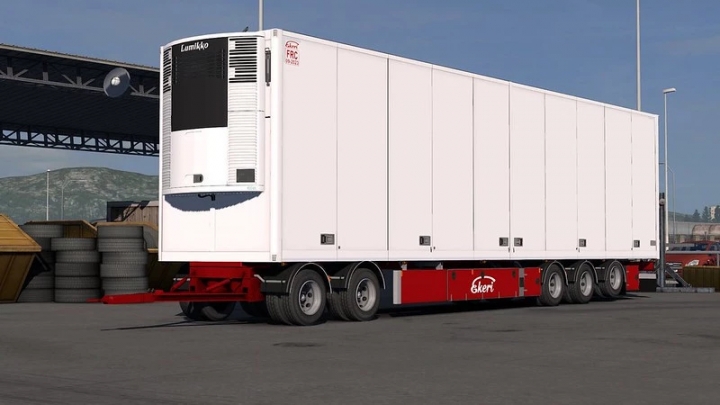
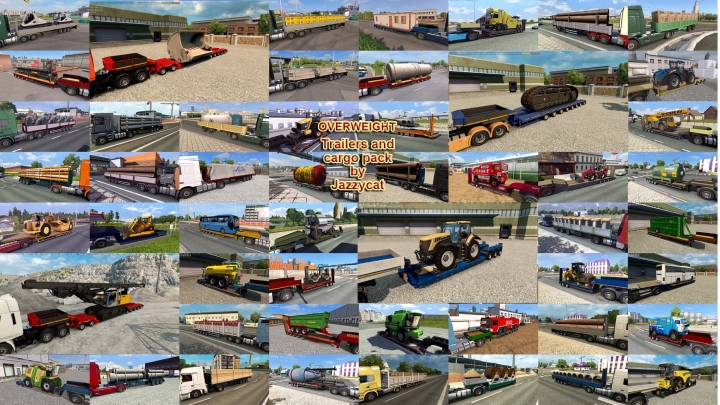
ETS2 - 60 Ton Mod TruckersMP - Singleplayer V1.0 (1.40.x)
How to install mods?
-Download the file below.
-After that, move the SCS file to My Documents > Euro Truck Simulator 2 > mod.
-Run Euro Truck Simulator 2 (SP) via Steam.
-On the profile selection screen, click Mods Manager.
-Double click on the 60 TONS.
-Click the Submit Changes button.
-Log in to your profile.
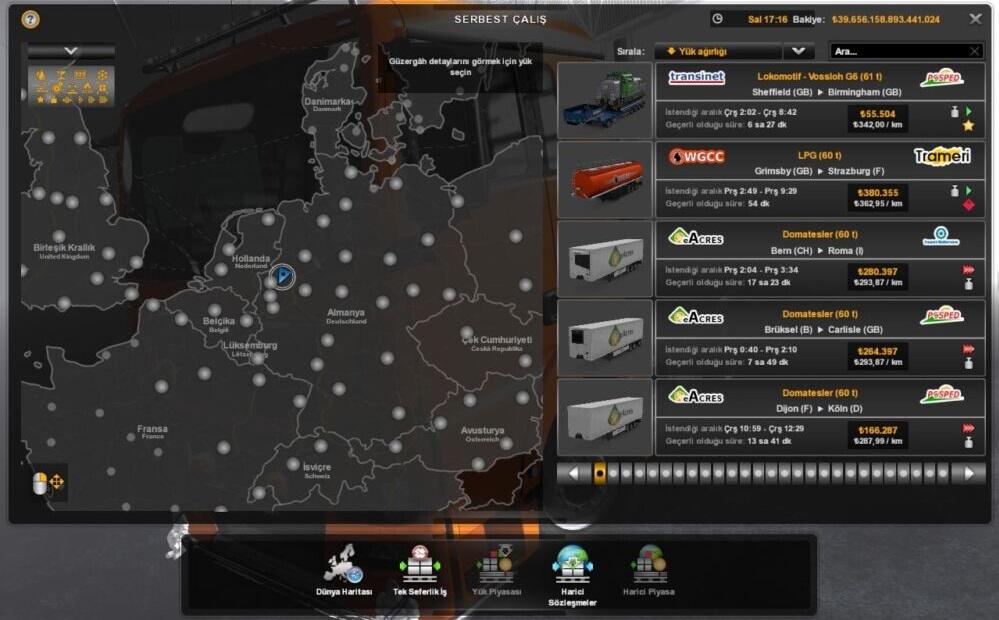
-Go to the freight job and take 60 tons.
-In the main menu click exit.
-Quit the SP and switch to MP.
-Log in Multiplayer and select your profile, If he says anything to you Continue button click.
Frequently Asked Questions
*Q* Mod active in the game , but doesn’t work?
*A* Firstly, disable it 60 ton mod. After than go to your garage and teleport to a garage. In the main menu “Profile manager” click. Activate the 60 ton mod again and get 60 tons from the freight job.
*Q* Cargo mass more than 60 tons, why i see more mass?
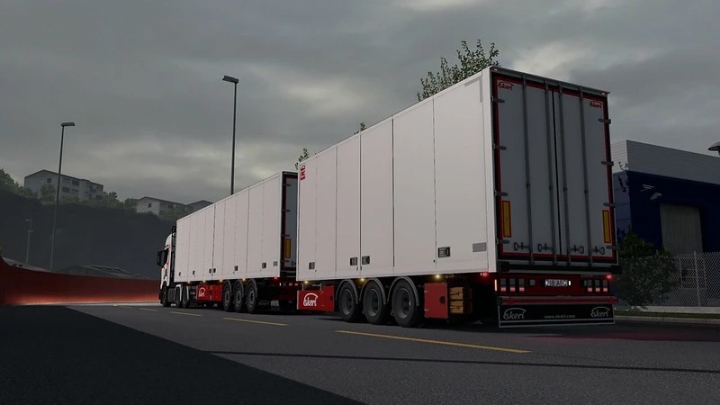
*A* Usually you see this in the double trailer, you can continue to get 60 tons from the second page.

Authors: mexiumut
 Uploaded by