ATS - Photo Realistic Reshade V1.0 (1.37.x)
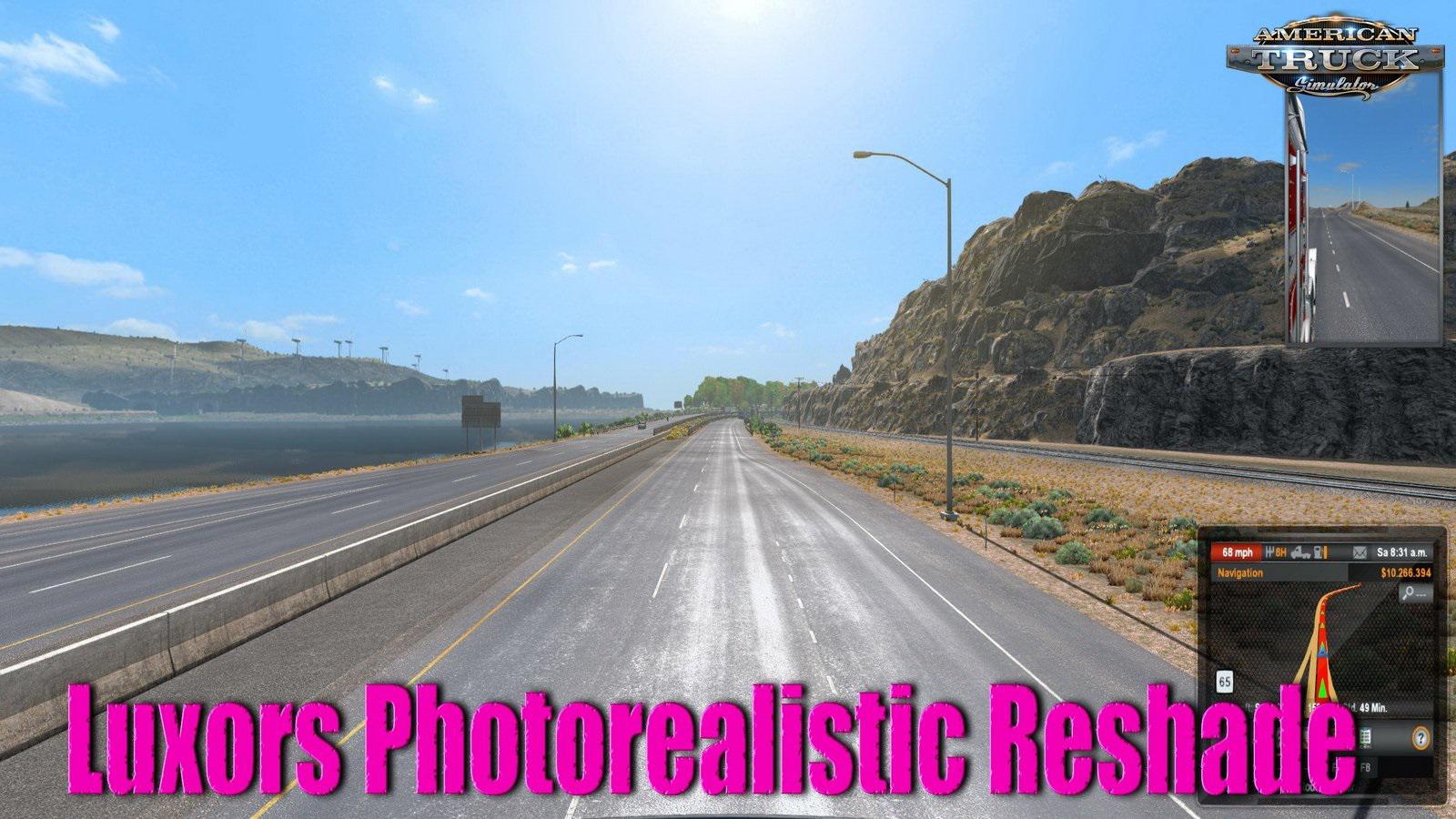
Luxors Photorealistic Reshade - makes your American Truck Simulator like never seen before. This mod improve the game visuals and make him more realistic.
Features mod Luxors Photorealistic Reshade:
- Colour Correction, which makes Environment and Sky realistic looking.
- Brownish Colour on Roads and Buildings removed and corrected for more realism.
- Better AA and Sharpening Filter for great Images.
Required:
Realistic Graphics Mod v4.0 by Frkn64
No-Bloom Add-On for Realistic Graphics Mod
INSTALLATION:
1. Download and install the latest version of the Reshade framework (click on "Direct3D 10/11/12").
Download all of the effects when asked to during the installation.
2. Download Luxor's Photorealistic Reshade for ATS and move the contents of the folder
into the directory that contains your amtrucks.exe (bin\win_x64). Overwrite when asked.
3. Start the Game, wait for the Shaders to load and press POS 1 to open the GUI.
4. Click "continue" and then on the upper right hand corner click in the "+" symbol.
5. Choose the Photorealistic Reshade Preset. You should now notice the Shaders activate.
Tested on game version: 1.36.x, 1.37.x

Authors: luxor8071
 Uploaded by